Master the Claude
Your personalized plan to master Claude - and make it a real, future-proof skill.
- 4.8
- average rating
- 9
- modules
- 71
- lessons
- 2 weeks
- to complete
- Free to start, no card required
- No coding required
- Verifiable certificate of completion
Master the Claude is the flagship Jobescape program: a personalized plan that takes you from your first prompt to using Claude as a professional skill that keeps you relevant as AI reshapes every role.
What you'll learn
- Use Claude confidently for work, research, and writing
- Build reliable prompts and workflows with Claude
- Apply Claude to real business and professional tasks
- Stay ahead as AI becomes essential in your field
This course includes
- 71 on-demand lessons
- Hands-on projects and exercises
- Jobescape AI Certification
- Lifetime access, including updates
- Learn at your own pace, on any device
Your learning path
9 modules · 71 lessons · finish in 2 weeks and earn the Jobescape AI Certification.
Lesson 1 - Meet Claude
What Claude is and why it works the way it does.
Lesson 2 - Set Up Your Workspace
Create your account and get comfortable fast.
Lesson 3 - Your First Conversation
Send a prompt and read the response well.
Lesson 4 - Claude on Every Device
Use Claude on desktop, mobile, and the web.
Lesson 5 - Build Your First AI App
Ship a small working tool in one sitting.
Lesson 6 - Files, Images & Voice
Bring documents, screenshots, and speech into Claude.
Lesson 7 - Habits for Dependable AI
Simple routines that keep your results consistent.
Lesson 8 - Common Beginner Mistakes
The traps that waste time - and how to skip them.
Lesson 1 - Why Prompting Is a Skill
What separates a vague prompt from a great one.
Lesson 2 - The Four Ingredients
The framework behind every reliable prompt.
Lesson 3 - Give Claude a Persona
Set a role and expertise to sharpen answers.
Lesson 4 - Context That Changes Everything
Feed Claude the background it needs.
Lesson 5 - Format and Constraints
Ask for the exact output you want back.
Lesson 6 - Iterate to a Great Result
Refine an answer instead of starting over.
Lesson 7 - Reusable Prompt Templates
Save the prompts that work and reuse them.
Lesson 8 - Build Your Prompt Library
Assemble an organized, personal prompt collection.
Lesson 1 - AI in Your Working Day
Spot where Claude saves the most time.
Lesson 2 - Email, Faster
Draft, reply, and clear your inbox with Claude.
Lesson 3 - Summaries That Land
Turn long documents into clear takeaways.
Lesson 4 - Meeting Prep & Recaps
Walk in ready and leave with action items.
Lesson 5 - Research Without Rabbit Holes
Gather and structure information quickly.
Lesson 6 - Working With Data
Read spreadsheets, spot trends, explain numbers.
Lesson 7 - Notes & Knowledge Capture
Keep what you learn organized and searchable.
Lesson 8 - Write in Your Own Voice
Make Claude sound like you, not a robot.
Lesson 9 - Your AI Work Routine
Build a daily AI habit you actually keep.
Lesson 1 - What Are Claude Projects
When a Project beats a one-off chat.
Lesson 2 - Create Your First Project
Set one up from scratch, step by step.
Lesson 3 - Custom Instructions
Teach a Project exactly how to work.
Lesson 4 - Add Knowledge Files
Give Claude your documents to work from.
Lesson 5 - Connectors & Integrations
Link the apps your work already lives in.
Lesson 6 - A Project for Real Work
Build a Project around one repeating task.
Lesson 7 - Sharing & Collaboration
Use Projects together with your team.
Lesson 8 - Keep Projects Up to Date
Maintain accuracy as your work changes.
Lesson 1 - What Is a Claude Skill
Packaged instructions you can run on demand.
Lesson 2 - Skill, Prompt or Project
Pick the right tool for each job.
Lesson 3 - Build Your First Skill
Turn a repeated task into a reusable Skill.
Lesson 4 - Design Inputs and Outputs
Make a Skill simple and predictable to run.
Lesson 5 - Test & Refine a Skill
Make it reliable before you depend on it.
Lesson 6 - A Toolkit of Skills
Combine Skills into a working personal system.
Lesson 7 - Skills Workshop
Ship three Skills you will actually use.
Lesson 1 - Design With Claude
How far AI takes a non-designer.
Lesson 2 - From Brief to Concept
Turn a short brief into a clear direction.
Lesson 3 - Build a Pitch Deck
Generate a clean, persuasive presentation.
Lesson 4 - Design a Landing Page
Lay out a page built to convert.
Lesson 5 - A Mobile App Prototype
Mock up a working mobile screen flow.
Lesson 6 - Keep It On-Brand
Hold color, type, and layout consistent.
Lesson 7 - Iterate on Feedback
Revise your designs from real comments.
Lesson 8 - Design Project
Deliver one polished asset end to end.
Lesson 1 - Vibe Coding, Explained
Build software by directing Claude.
Lesson 2 - Your First Working Tool
Ship a small app without writing code.
Lesson 3 - Read Code With Claude
Understand what code does in plain English.
Lesson 4 - Fix What Breaks
Diagnose and repair errors with Claude.
Lesson 5 - Add New Features
Extend a tool one improvement at a time.
Lesson 6 - Connect Data & APIs
Make your tool do something genuinely useful.
Lesson 7 - Publish Your Tool
Get your project online for others to use.
Lesson 8 - Code Project
Build and launch a working tool from scratch.
Lesson 1 - Extended Thinking
Get Claude to reason through hard problems.
Lesson 2 - Write System Prompts
Set durable rules for how Claude behaves.
Lesson 3 - Structured Data & Output
Get clean, predictable formats every time.
Lesson 4 - Chain Tasks Together
Break big jobs into reliable steps.
Lesson 5 - Handle Long Documents
Work with large amounts of context.
Lesson 6 - Quality & Fact-Checking
Catch and prevent AI mistakes.
Lesson 7 - Responsible AI Use
Privacy, accuracy, and keeping a human in the loop.
Lesson 8 - Become the AI Specialist
Bring it all together into expert work.
Lesson 1 - Ways to Earn With Claude
The realistic income paths, compared.
Lesson 2 - Choose Your Niche
Pick a service and audience you can win.
Lesson 3 - Package Your Service
Turn skills into a clear, sellable offer.
Lesson 4 - Price Your Work
Set rates around the value you deliver.
Lesson 5 - Find Your First Clients
Where to look and how to reach out.
Lesson 6 - Deliver Paid Work
Run a client project from start to finish.
Lesson 7 - Scale Your Income
Repeat, raise rates, and grow from here.
Finish line
Earn the Jobescape AI Certification
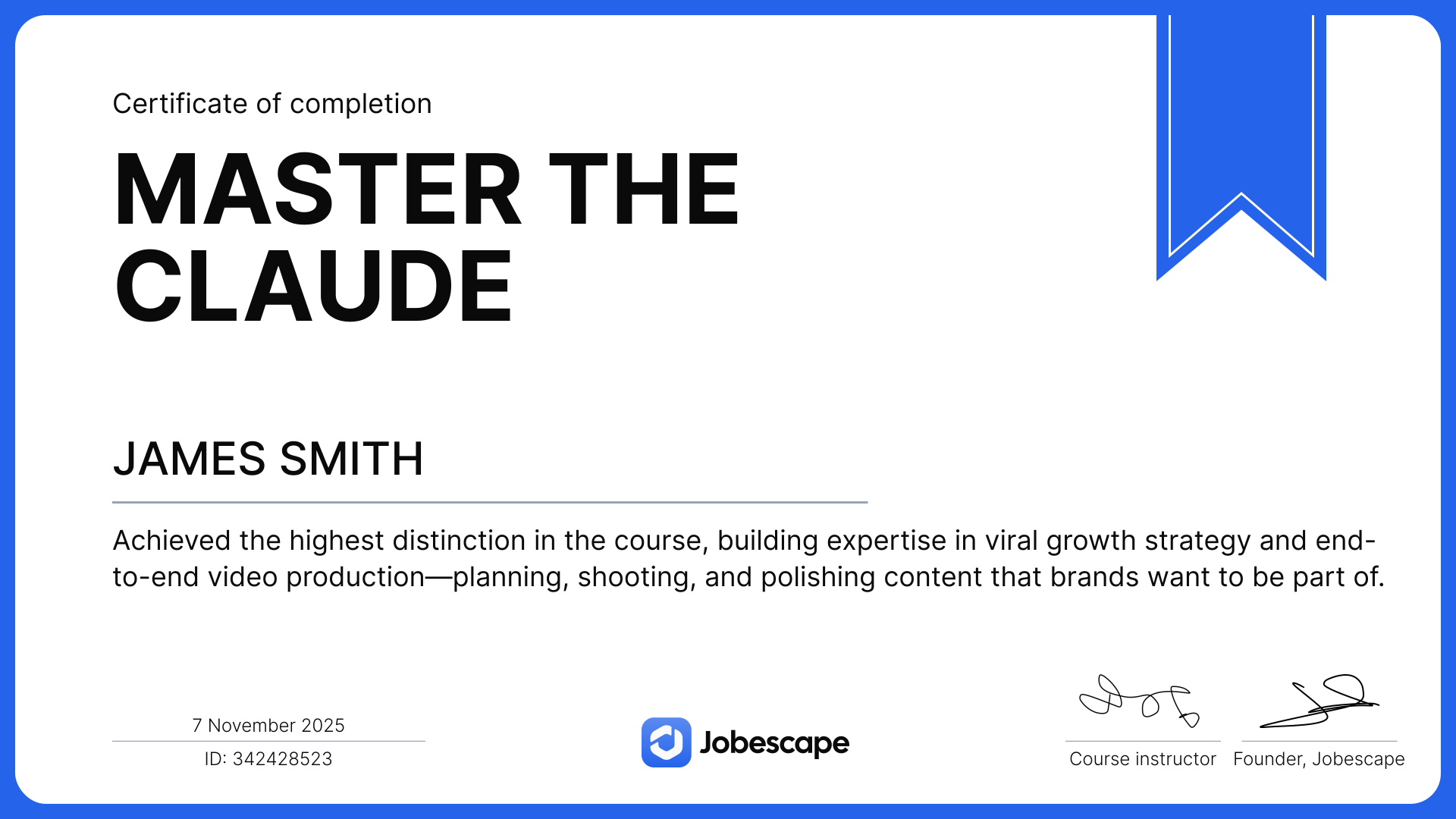
Complete the path and earn a verifiable certificate you can add to your CV, LinkedIn, and portfolio.
Built to make AI a job-ready skill
Every Jobescape course pairs short lessons with real, hands-on projects - so you finish with a skill you can use at work, not just knowledge you forget.
9 hands-on modules on a structured, step-by-step path
Industry-recognized Jobescape AI Certification
Real projects, never multiple-choice quizzes
A personalized plan built around your goals and pace
Free to start - no card required, learn at your own pace.
Requirements
- No prior experience with Claude or AI tools
- A computer with a stable internet connection
- A willingness to learn by doing real tasks
Frequently asked questions
Ready to build the AI skills your future depends on?
Take the free 5-minute quiz and get a personalized learning plan built around your goals, schedule, and experience.